Connect your Apple Music account
TrainerBeats will use your music preferences to build playlists for your power zone workouts.
TrainerBeats creates playlists for your power zone cycling workouts by syncing your effort to the energy of the music.
TrainerBeats will use your music preferences to build playlists for your power zone workouts.
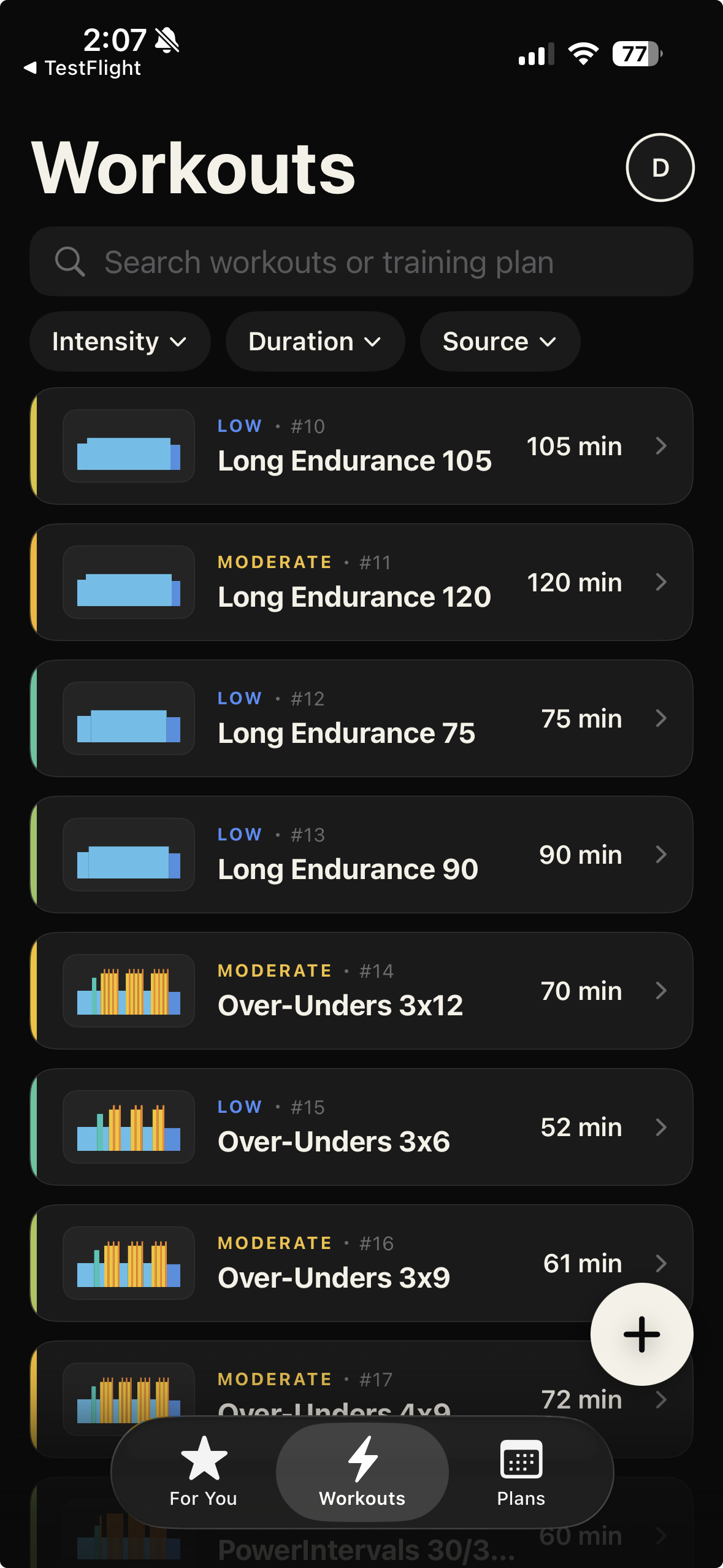
Choose from a library of cycling power zone workouts or import your own: FIT file, Peloton, and Zwift is supported.
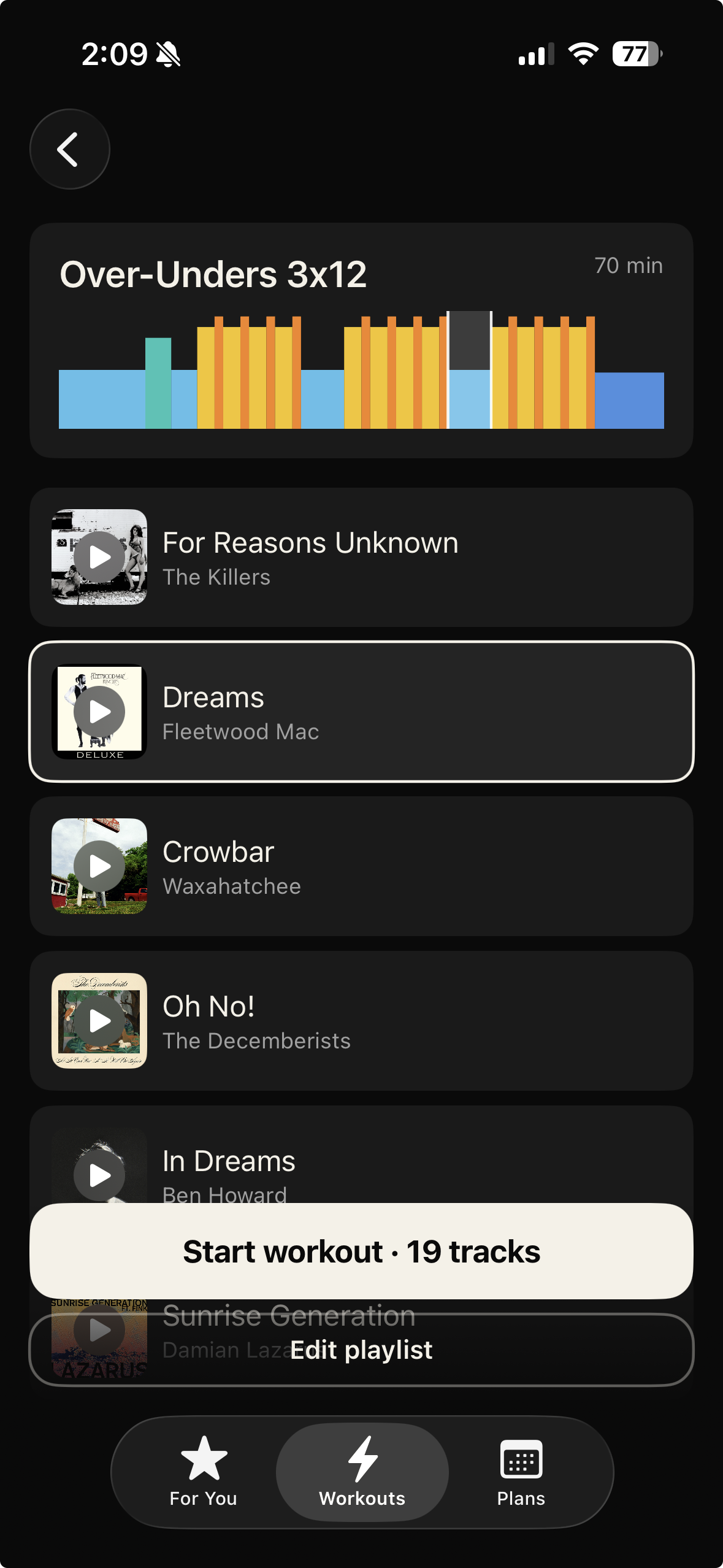
TrainerBeats will match songs to your workout structure and effort: high energy tracks for the harder efforts and lower energy tracks for recoveries.
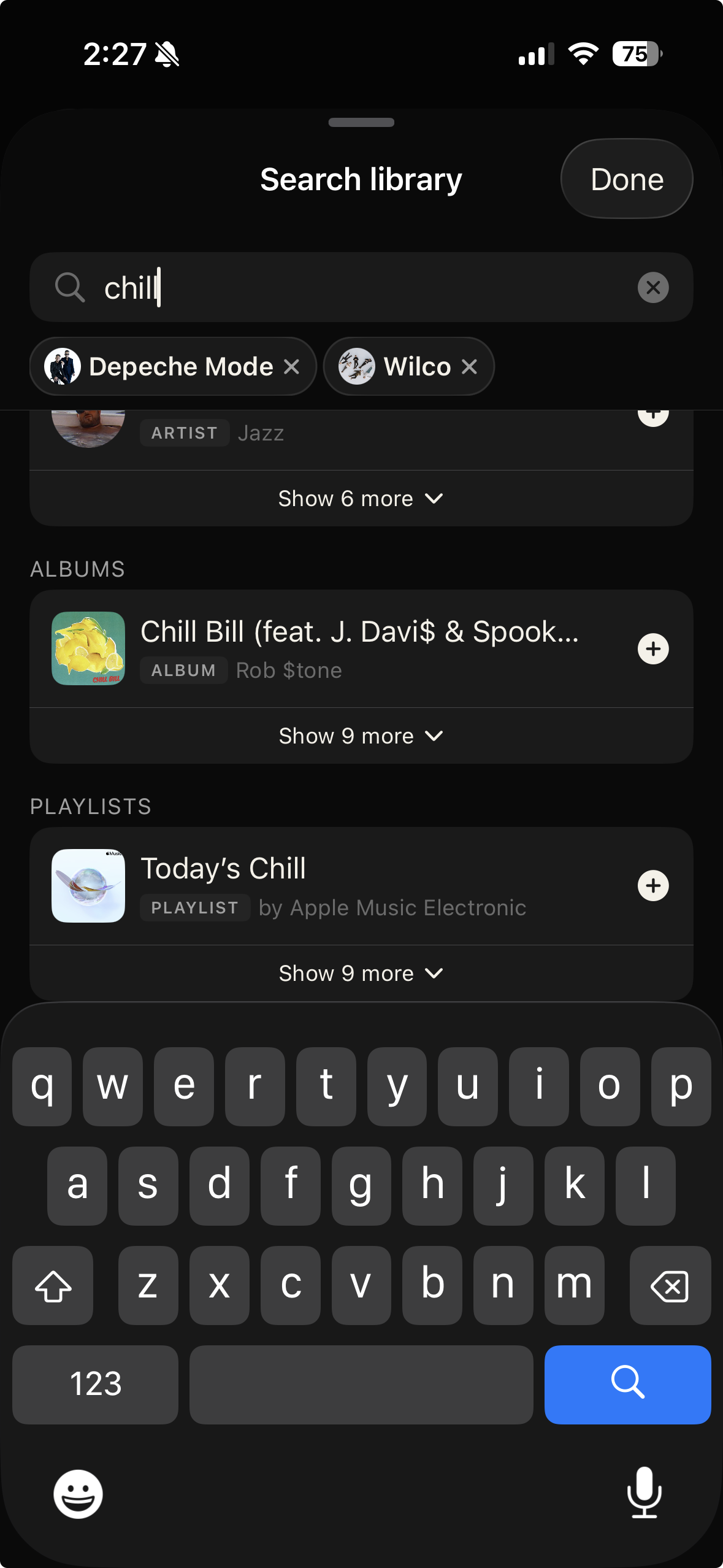
You can let TrainerBeats use your music preferences or customize the music you want for your workout.
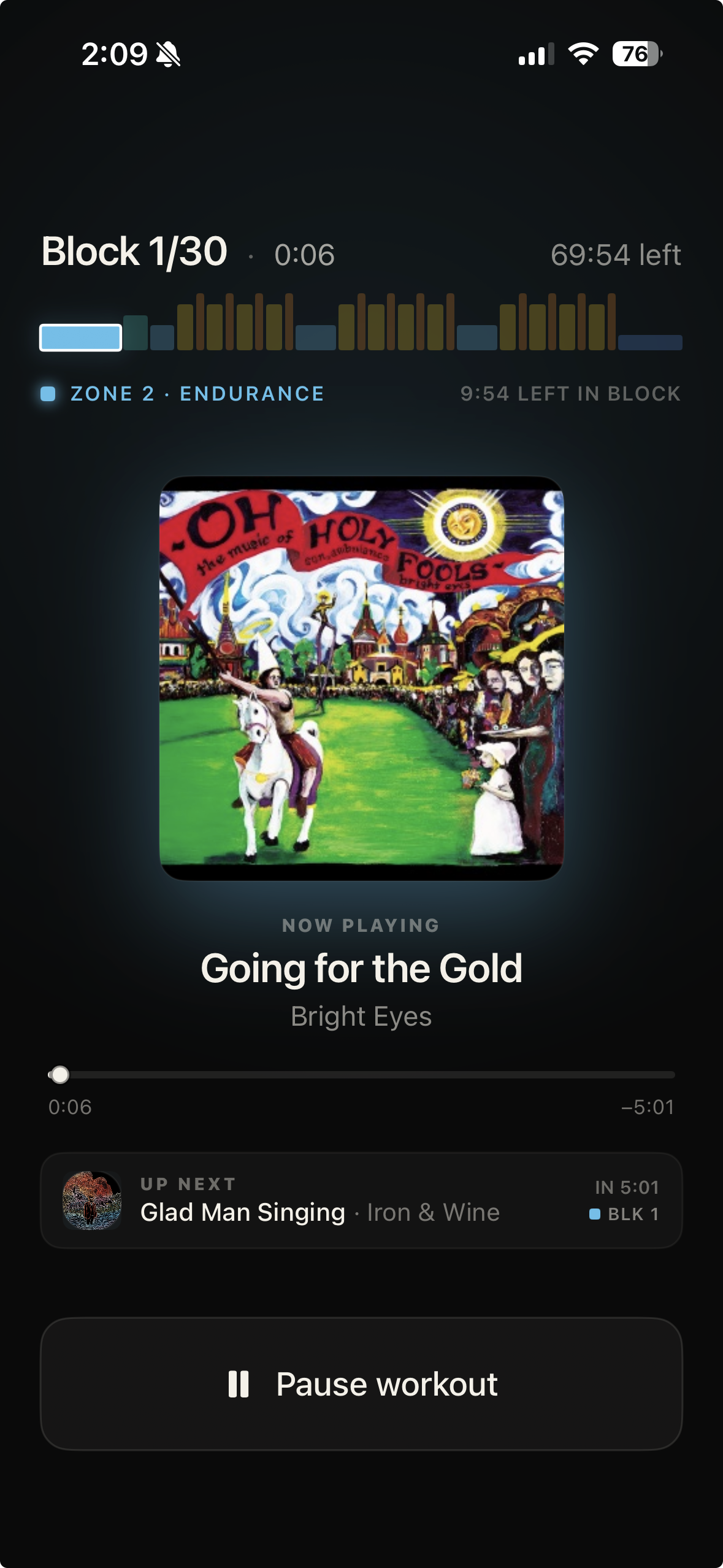
Connect any devices and sensors and start your workout! TrainerBeats will keep your playlist and workout in sync.
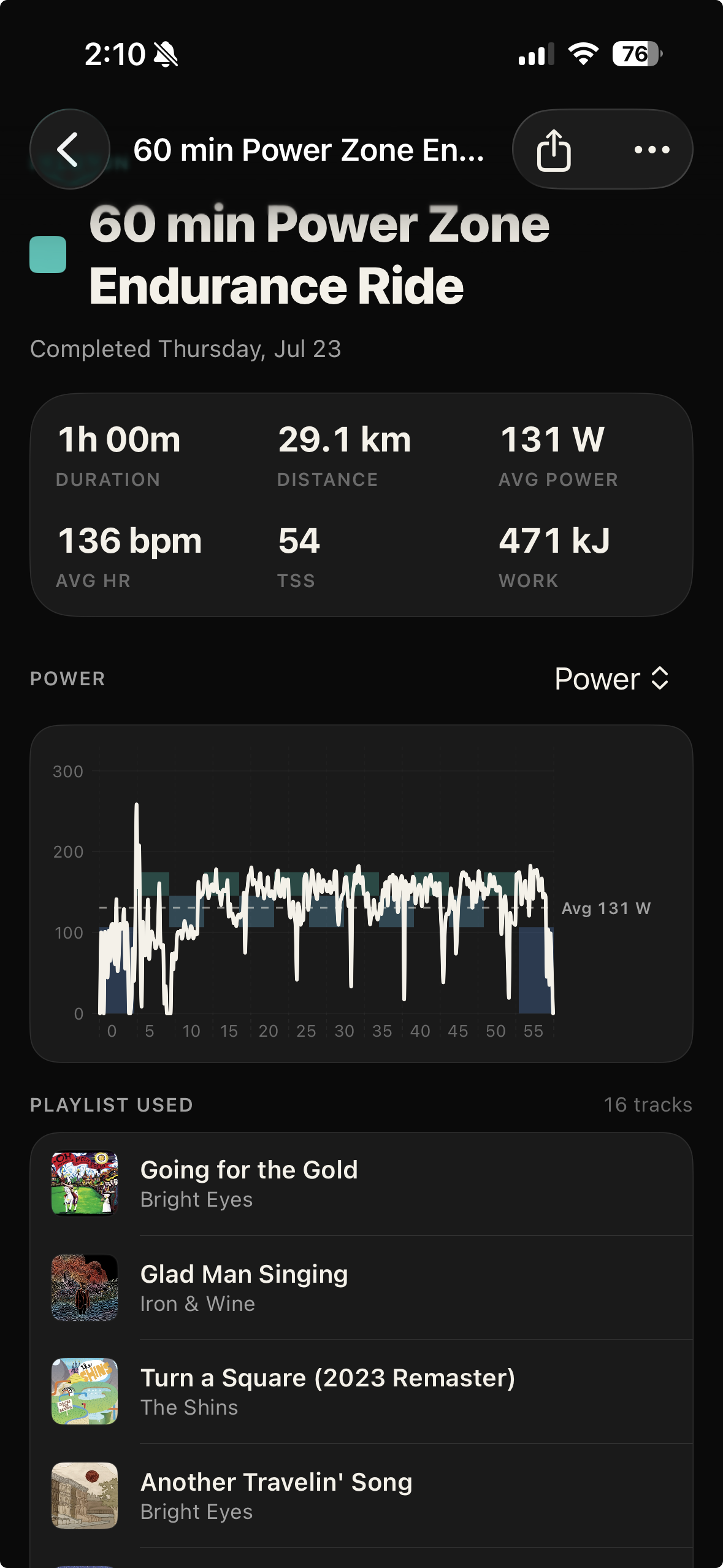
TrainerBeats will save your workout data for you to review.
Share your workout and playlist on Strava or with a link. You can save any of your playlists to your Apple Music account.
TrainerBeats builds a playlist matched to your workout's structure, so the music's energy rises and falls with your power zones. You pick a structured workout, connect Apple Music, and it generates a playlist timed to your intervals — higher-energy tracks land on your hard efforts and calmer songs cover recovery. You can also target a cadence so song tempo lines up with your pedaling.
Yes. Because TrainerBeats knows your workout's power targets (as % of FTP), it maps the music to each zone — a threshold block gets different energy than an endurance block. Set your FTP once and every generated playlist follows the effort profile of the ride.
If you like Peloton Power Zone workouts but want your own music instead of the class playlist, TrainerBeats lets you generate an alternative playlist built around the same zone structure. You choose the artists or vibe you want, and it assembles a playlist that follows a power-zone-style effort curve — so you get the workout structure with music you actually chose.
You can build a playlist from your own Apple Music library and artists, matched to a power-zone-style ride. Instead of being stuck with the built-in music, you pick the sound you want and TrainerBeats orders it to fit the intervals. (TrainerBeats is an independent app and isn't affiliated with or endorsed by Peloton.)
Yes — the playlist is sequenced so track energy tracks your target zones through the workout, rather than playing at random. On hard intervals you get driving, high-energy songs; during recovery the music eases off. It's built specifically for structured, zone-based training rather than a generic workout mix.
No. You can generate a power zone based playlist without any sensors. The playlist is built from the workout's structure. Adding a power meter and your FTP makes the experience even better because TrainerBeats will help you stay in the zone and save your workout data to share.
TrainerBeats works with Apple Music. You connect your account and playback runs through your own subscription, so you get the full catalog plus your music preferences are automatically used to generate playlists in TrainerBeats. You can also save any generated playlist back to Apple Music to keep or replay.
Yes. Once you connect your TrainerBeats account to Strava you can upload any workout you completed and playlist you used in TrainerBeats to Strava.